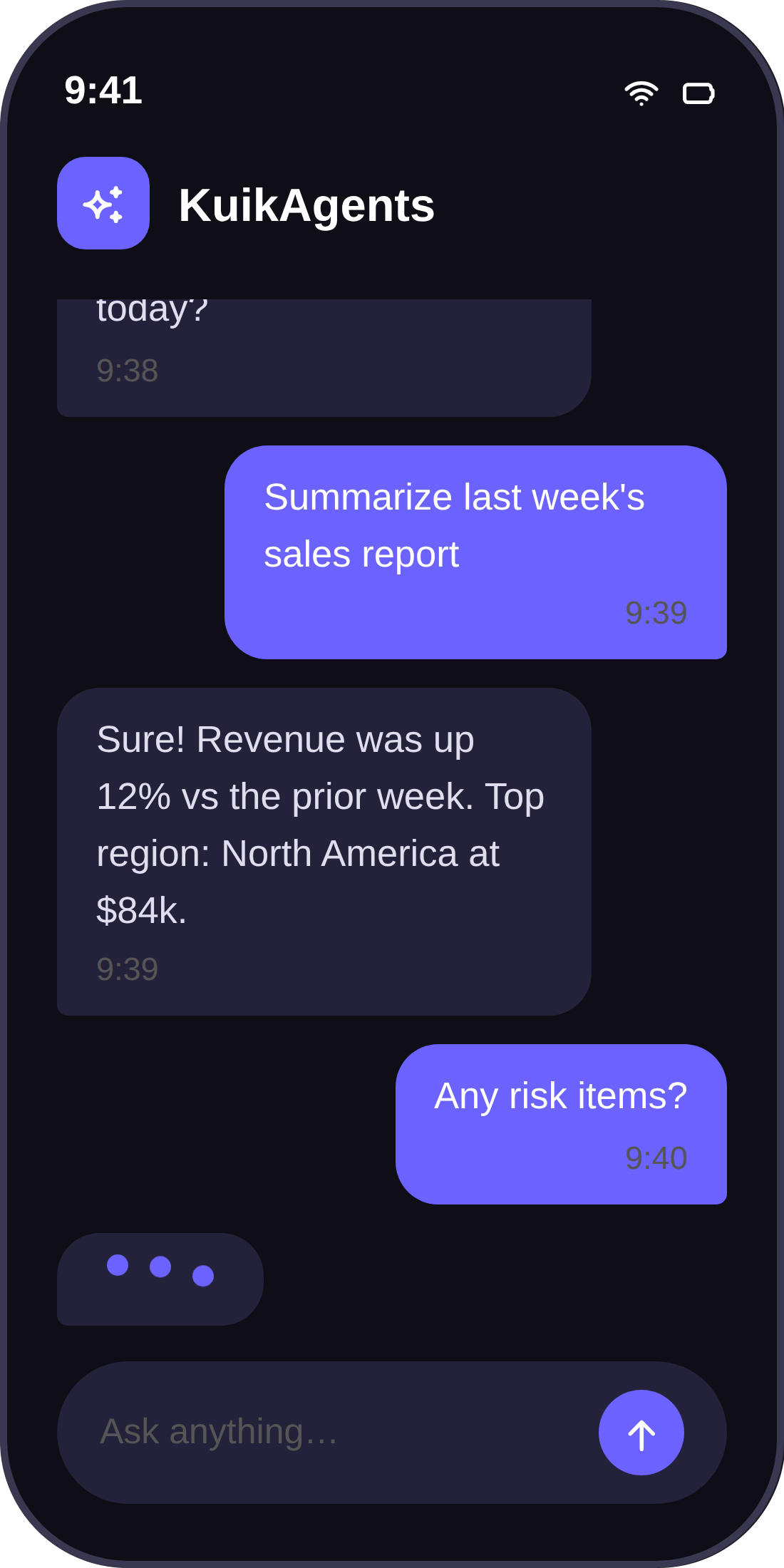
Opening three systems for a single answer slows everyone down. KuikAgents takes the question, goes to the right system, and brings the answer back, or completes the task for you. From one chat window you can send a command to Salesforce, pull a report from SAP, and run the apps you built on Kuika.

What was this customer’s last order?


What’s the current stock level for this material?

Who on my team is out this week?
Every capability turns into a concrete win inside a single chat. Not a feature checklist, but a list of outcomes.
KuikAgents does not add another system to manage. It removes the friction between the ones you already own.
Routine lookups, reports, and updates become a single line of chat, so your team stops hunting across five tabs.
Answers come straight from the source system at the moment you ask, so there are no stale exports or copy-paste decks.
Business teams handle their own questions and small tasks in plain language, which gives IT its backlog back.
KuikAgents works where your people already are, on Slack, WhatsApp, and Teams. If they can send a message, they are ready.
KuikAgents doesn't replace the systems you already own; it's a layer that sits on top of them. 30+ ready-made connectors and hundreds of tools go live in minutes.
Explore in detail ›


HR, procurement, finance, and operations. Every app you build on the Kuika platform connects to KuikAgents automatically, with no extra code, and is conversational on day one.
Explore the platform ›




Ready-made roles, your own roles, scheduled tasks, and internal docs. Set the agent up your way.
Sustainability Agent, CFO Co-pilot, Workforce HR, and more. You can define your own roles, too.
Scheduled or event-triggered. When information is missing, the agent checks in with you over Slack or WhatsApp.
Upload internal PDFs, Word documents, and Markdown files. The agent reads them and works them into its answers.
KuikAgents runs multi-step work on its own, but critical approvals and the final decision always rest with you. Every write action waits for human approval; no agent is a black box, and every step it takes is reportable and auditable.


Connect your first systems, ask three questions, and watch the answers land, in a 30-minute demo built around your own use case.